

Plugin and customer portal
WordPress and WooCommerce
Product fields, automatic output, licences and updates are managed directly through Warranty Label.
WordPress detailsGuarantee and legal warranty labelling
Warranty Label adds the right notices to your store. Set up the plugin once and the labels appear automatically in the places you choose.
Platforms
Warranty Label integrates the notices into your shop system. Setup and product management take place directly in the familiar environment.
Product fields, automatic output, licences and updates are managed directly through Warranty Label.
WordPress details
The Shopware extension is purchased through the Shopware Store. Installation, licensing and updates are handled there.
Shopware details
Show the official EU notice and the optional GARAN label directly on your product pages. Setup takes place conveniently in Shopify.
View Shopify appFeatures
You define duration, provider and model identifier. The plugin uses this information for the appropriate presentation on product pages, carts and checkout.
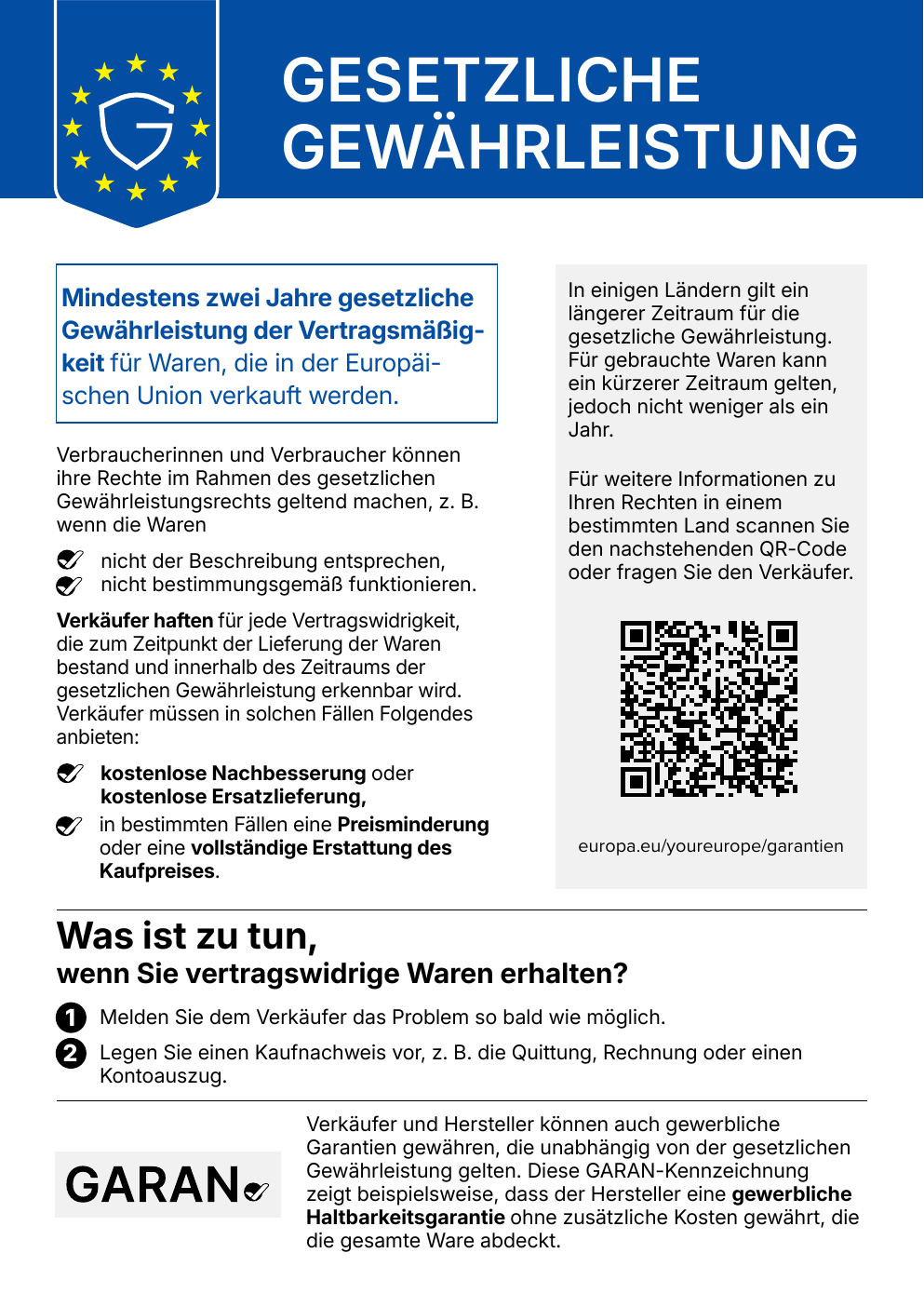
The legal warranty notice is loaded for the current storefront language.
The GARAN label can be generated for commercial durability guarantees longer than two years.
The guarantee label is rendered as a scalable graphic with provider, duration and model identifier.
Graphics are stored locally. No product data is sent to an external service for presentation.
Defaults can be maintained per manufacturer and overridden for individual products.
Depending on the platform, notices can appear on product pages, listings, carts and checkout.
Setup
Install the appropriate extension for WordPress or Shopware.
Choose where the notices should appear in the store.
Enter guarantee duration, provider and model identifier.
Check language, presentation and placement in the active theme.
WordPress pricing
These prices apply to the WordPress plugin. The Shopware product is offered exclusively through the Shopware Store.
€1.50 per month
plus applicable VAT
1 website
Create account€3.50 per month
plus applicable VAT
5 websites
Create account€29.50 per month
plus applicable VAT
50 websites
Create account€14.99 per year
plus applicable VAT
1 website
Create account€34.99 per year
plus applicable VAT
5 websites
Create account€299.99 per year
plus applicable VAT
50 websites
Create accountFrequently asked questions
The implementing regulation applies from 27 September 2026. Please also review which requirements apply to your catalogue and sales setup.
Product data does not need to be transferred to Warranty Label for rendering. Graphics and generation remain in the respective shop system.
The label is intended for a commercial durability guarantee longer than two years. Provider, duration and model identifier must be complete.
No. The Shopware extension is offered and updated exclusively through the official Shopware Store.